PartnerMatch Education
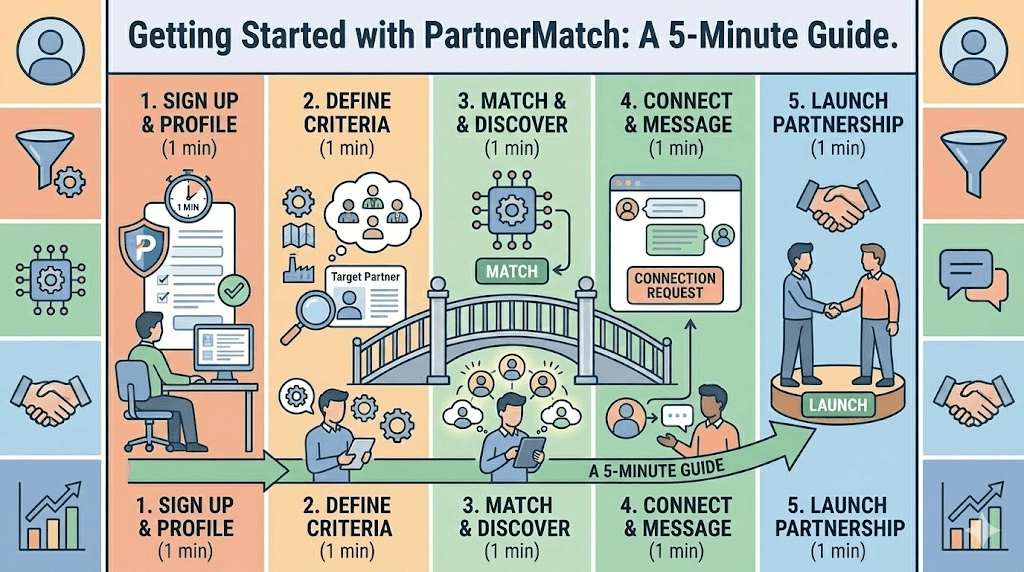
Getting Started with PartnerMatch: A 5-Minute Guide
Date
Dec 11, 2025
Author
Matt Astarita
So, you’ve decided to stop playing "LinkedIn Roulette" and start building a data-driven ecosystem. Welcome to PartnerMatch.co.
We know that enterprise software can be overwhelming. You log in, you see dashboards, and you freeze. But here is the secret: You don't need to master every feature to get value. You can get your first high-quality match in under 5 minutes.
In 2026, time-to-value is everything. Here is the "Speed Run" guide to setting up your profile, mapping your data, and launching your first partnership campaign.
Minute 1: The "Identity" Setup (Don't Be Boring)
Most users fail here because they copy-paste their generic marketing boilerplate.
Wrong: "We are a global leader in innovative solutions."
Right: "We are a CRM for Shopify Agencies."
Action: Go to Profile Settings.
Select your Ecosystem Tags: (e.g., Shopify, Salesforce, HubSpot). This is critical for the algorithm.
Define your Strategic Intent: Are you looking for Resellers or Tech Integrations? Be honest.
Upload your Logo: Profiles without logos get 40% fewer clicks.
For a deep dive on profile optimization to ensure you capture those clicks, read The Anatomy of a Perfect Match Card.
Minute 2: The "Tech Stack" Sync (The Magic Moment)
This is where the platform pays for itself. You need to connect your data source so we can find your overlaps.
Action: Go to Account Mapping.
Click "Map Account"
Upload CSV file.
Wait 60 seconds.
Our system will hash your customer domains (anonymously) and cross-reference them against our entire network.
The Result: You will instantly see a dashboard: "You have 4,500 mutual customers with 120 potential partners."
Note: If you are on the Free Plan, you can stop here. You now have a map of your ecosystem potential.
Minute 3: The "Filter" Configuration (Blocking the Noise)
Now, let's tell the algorithm who not to show you.
Action: Go to Match Preferences.
Set Firmographics: "Only show me companies with >$5M Revenue."
Set Region: "North America Only."
Set Exclusion Lists: Upload a list of competitors you never want to match with.
By setting these constraints now, you ensure that your daily feed is 100% relevant from Day 1.
To understand why this saves you hours, read How PartnerMatch.co Filters the Noise.
Minute 4: The "First Swipe" (Calibrating the AI)
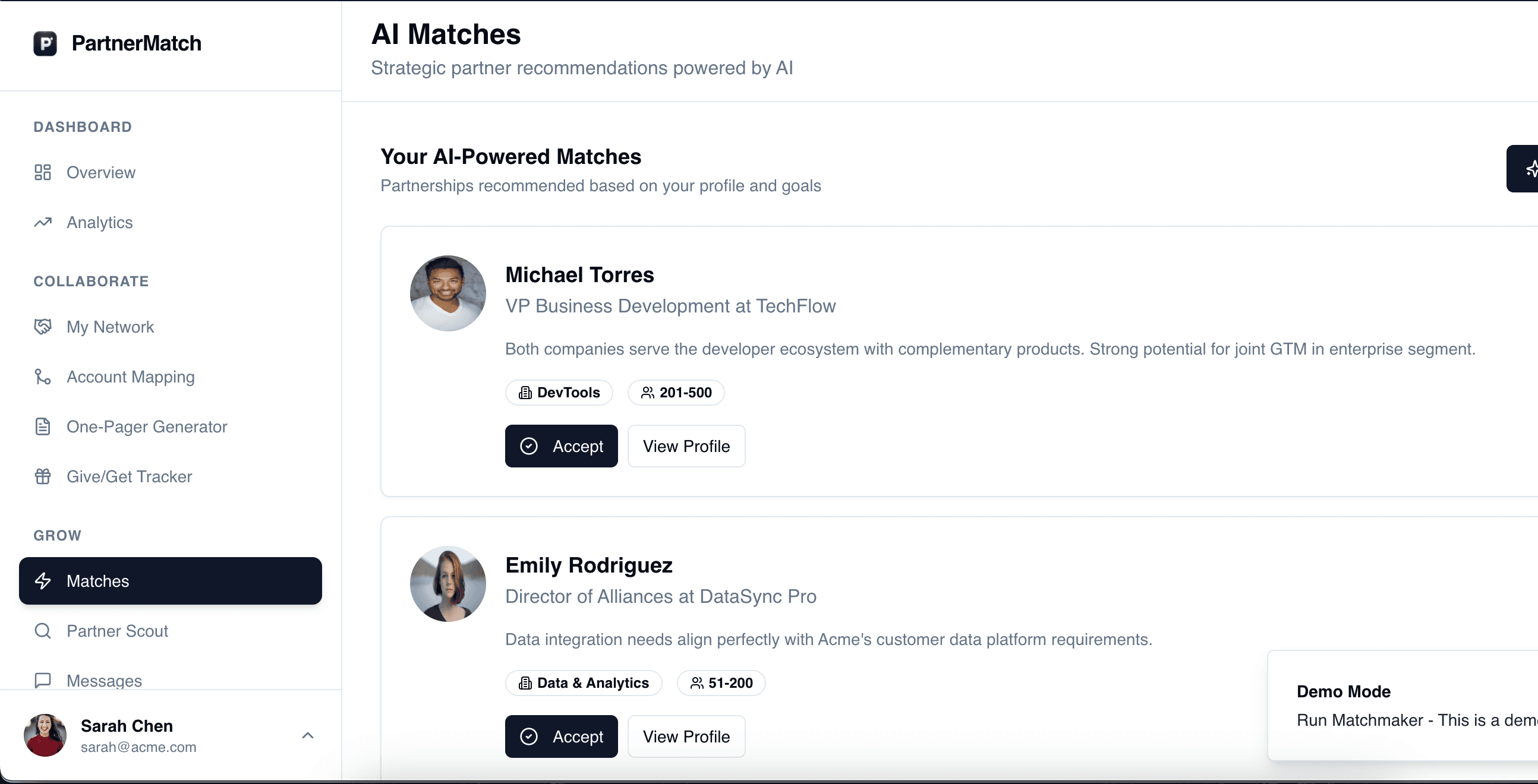
Go to your Discovery Feed. You will see cards stack up like a dating app.
Card 1: A perfect fit. Swipe Right (Request Match).
Card 2: A bad fit. Swipe Left (Pass).
Crucial Step: Do this for at least 10 cards. Every swipe trains our recommendation engine. If you pass on 3 "Marketing Agencies," the algorithm learns: "Okay, no Marketing Agencies."
Minute 5: The "Upgrade" Decision (Pulling the Trigger)
You’ve mapped your data. You’ve found a partner with high overlap. You’ve swiped right. Now, you hit the "Paywall of Trust."
To start the chat, you need the Paid Plan.
Why: This proves you are a serious buyer.
The ROI: One closed deal from this match pays for 2 years of the subscription.
Action: Upgrade your account. The chat opens.
Your First Message: "Hi [Name], PartnerMatch says we have 40% customer overlap. Specifically in the Retail vertical. Would you be open to a co-marketing swap?"
Because you have the data, you don't need a cheesy pickup line. You have leverage.
The Verdict for 2026
You don't need a "Chief Ecosystem Officer" to use this tool. You just need 5 minutes and a clear idea of who you want to work with.
The map is ready. The partners are waiting. Log in and start swiping.